
Overview
Tofu’s Token Management system helps you track and recycle personalization tokens across your email campaigns. This makes it easier for you or your ops team to manage tokens at scale.
If you are using HubSpot, Salesforce, or Marketo, you likely have a limited number of custom fields available for Tofu personalization tokens. Token Management gives you visibility into which tokens are in use and which are ready to recycle, so you can avoid conflicts across campaigns and teams.
Video walkthrough
Bootstrap tokens
We often work with customers to create tokens in advance, during the onboarding process.
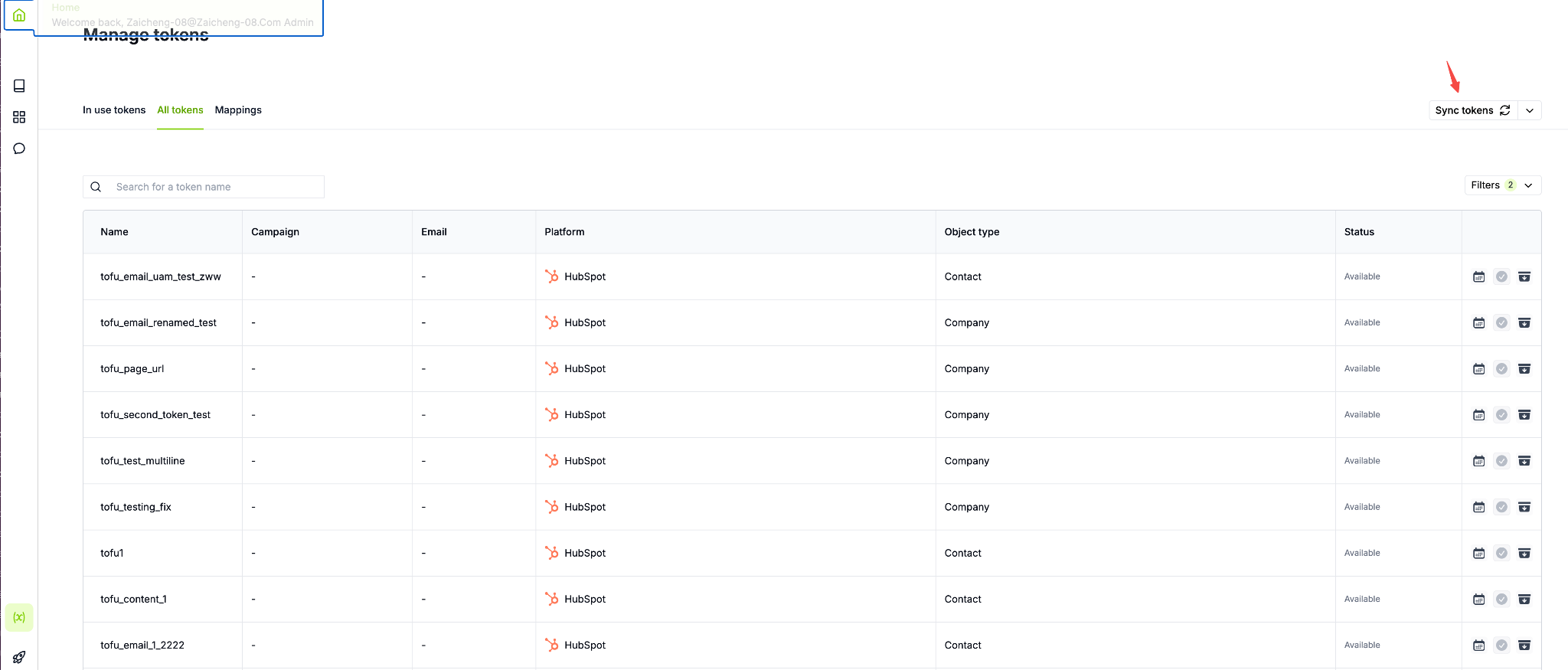
Access the Token Management interface
Navigate to the Token Management section in Tofu. This central hub shows all tokens created for Tofu personalization across your organization.
You’ll see two main views: In use tokens (organized by campaign) and All tokens (a full table view of all tokens).
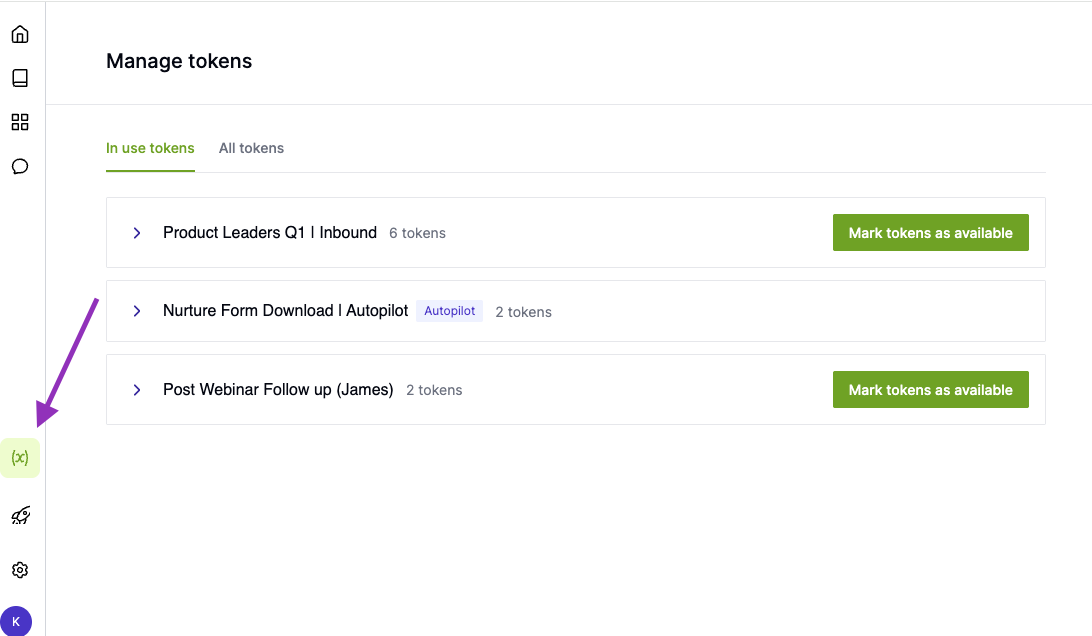
Manage active campaigns and free up tokens
The In Use Tokens page is where you track active usage and recycle tokens once a campaign is complete. This is one of the most important workflows for maintaining clean token operations.
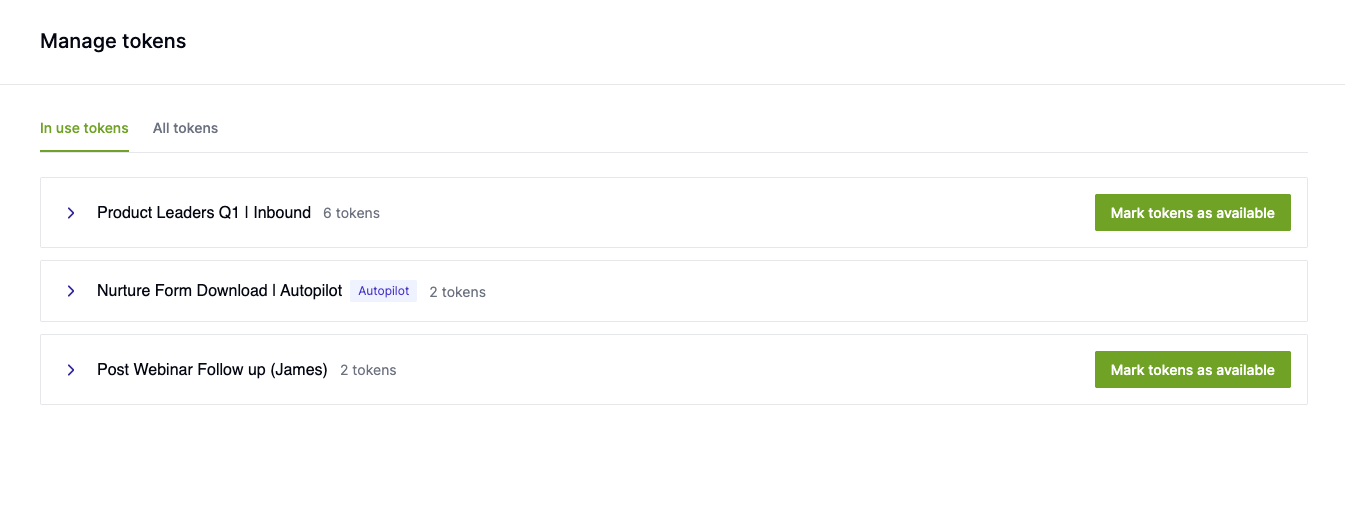
In this view:
- Tokens are grouped by campaign
- Each campaign shows the associated emails and tokens such as Tofu_content_1, Tofu_content_2, etc.
- This view only displays active campaigns and autopilot campaigns
- Autopilot campaigns remain active automatically and cannot be marked as complete while they are running
Once a campaign has finished sending:
- Locate the campaign in the In Use Tokens view
- Click the option to mark tokens as available
- A confirmation modal will appear:
“Once marked as available, tokens will be ready for use in another campaign. The email and campaign associations will be saved in history.” - Select Yes, mark as available
The tokens will now move to an Available status and can be reused in future campaigns.
View all tokens, check history, and archive unused tokens
The All Tokens table gives you a comprehensive view of your personalization field inventory. This is where you can audit usage, confirm availability, and manage long-term token hygiene.
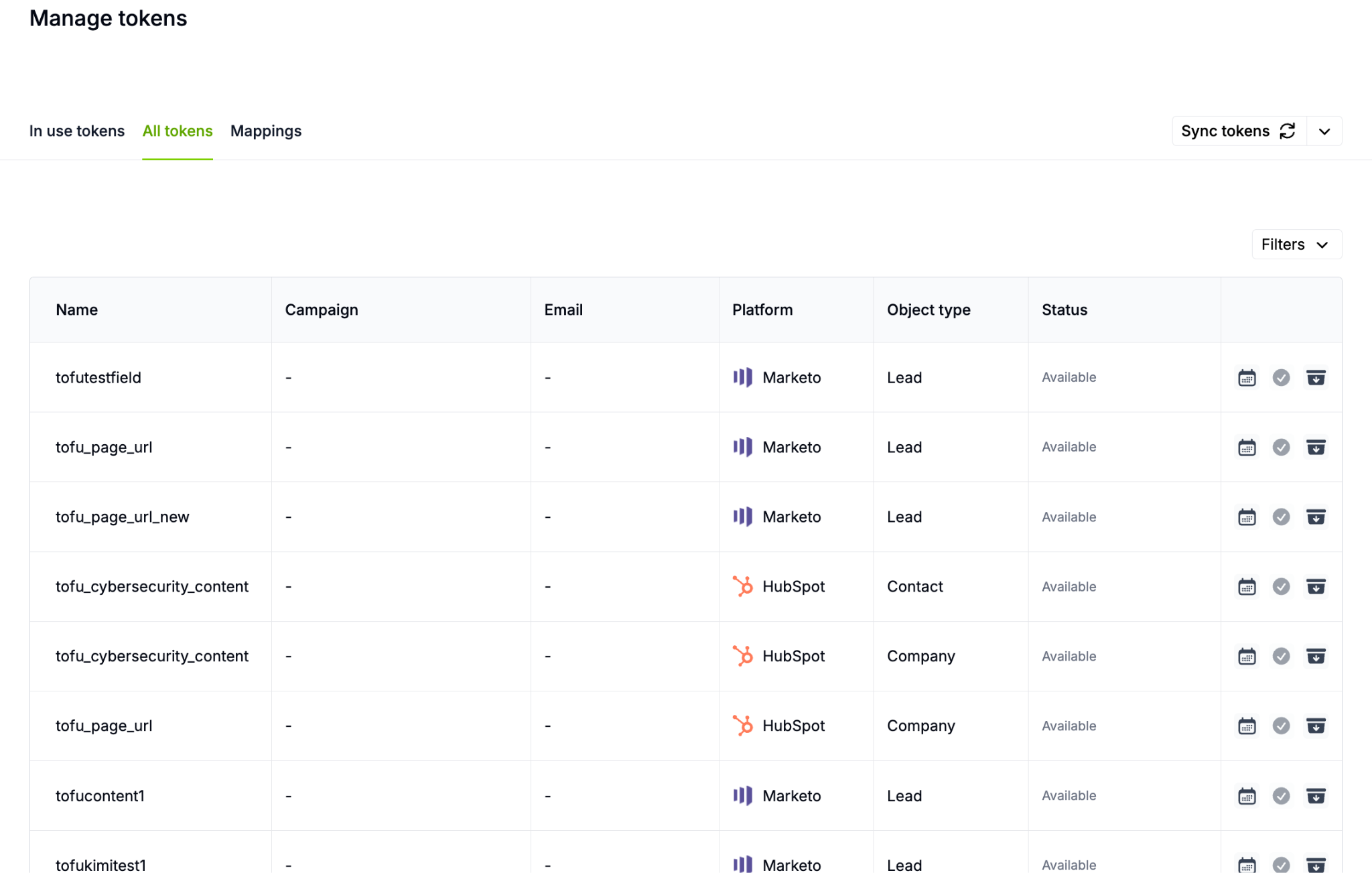
In this view, you can:
- See all tokens in one place
- Check which campaigns a token has been used in
- Confirm whether a token is available or in use
- Archive tokens you no longer want Tofu to use
- View up to 10 tokens per page
Before reusing a token, you can review its history:
- Click the calendar icon next to the token
- The history modal will show:
- Which campaigns and emails used the token
- The number of targets the email was sent to
- When the token was marked as available
This allows your team to confidently reuse tokens while maintaining visibility into past usage.
Monitor token status during campaign creation
When you’re setting up personalization in a campaign, Tofu will show you which tokens are ready to use and which are currently in use.
Token status appears as:
- Ready to use: Token hasn’t been used yet, or was marked as available after a previous campaign
- In use: Token is associated with an exported email. Hover over the status to see export details like target count and date
- Autopilot: Token is being used in an active autopilot campaign. Hover to see when it last ran
If you select more personalization components than you have available tokens, a warning banner will appear in the personalization setup to alert you. This prevents you from accidentally creating conflicts or running out of tokens mid-campaign.