
Permissions & details about the integration
- Tofu will create new fields ONLY on the contact and/or company properties.
- Tofu may create new lists if you’d like to transform a contact list into a company list.
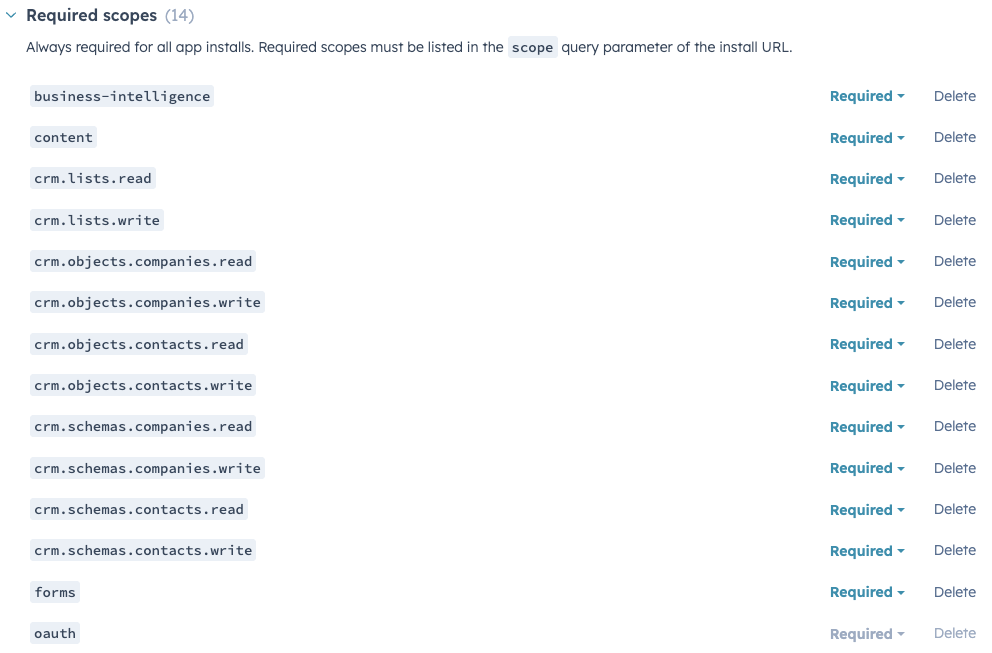
The following permissions are requested by the Tofu app by default. However, the level of access granted can be constrained by configuring the permission sets of the user account used to integrate with Tofu.
Connect Tofu with HubSpot
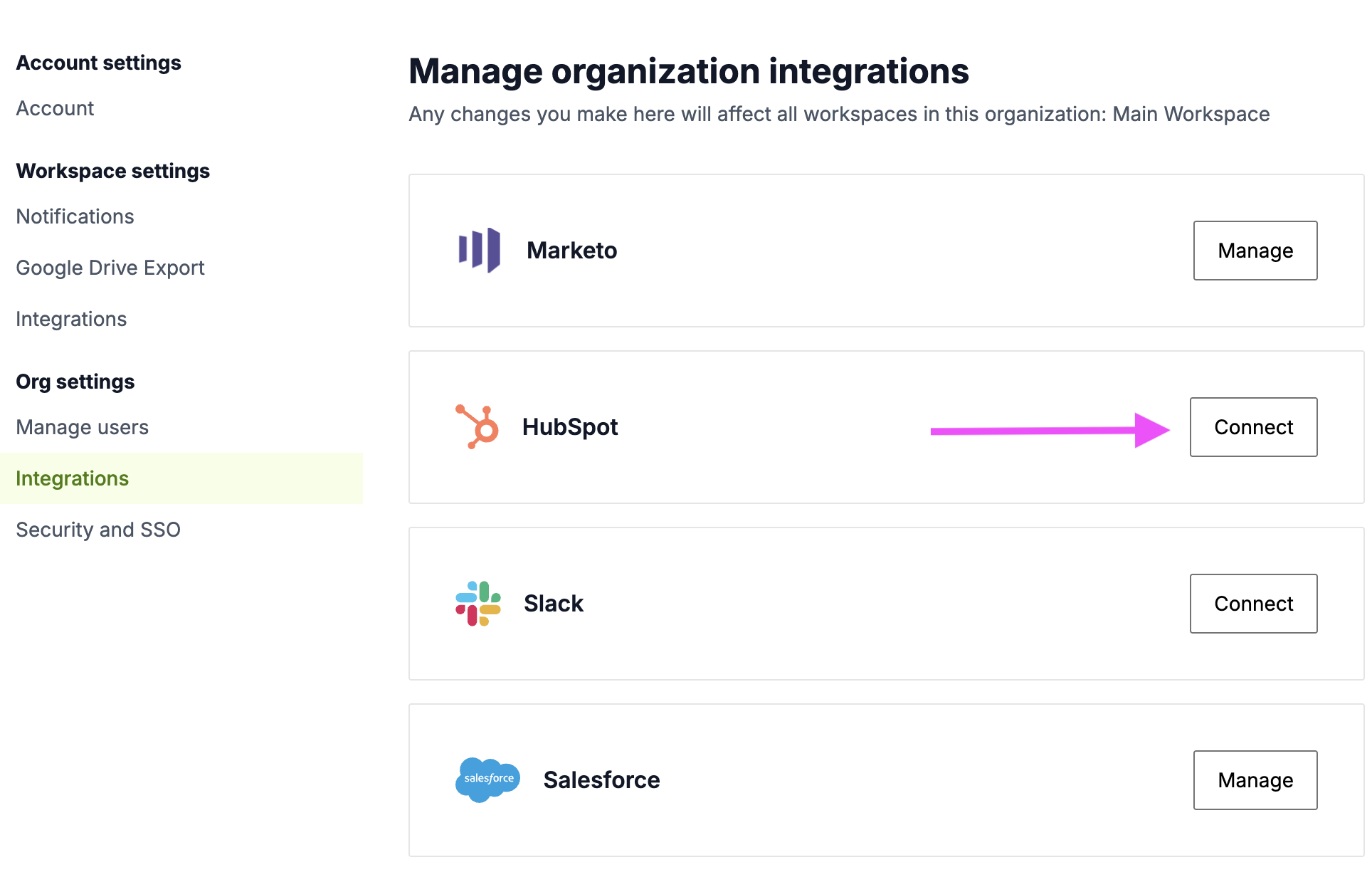
- To connect Tofu with HubSpot, go to the org settings within Tofu (direct link here) and click Connect to the right of HubSpot.
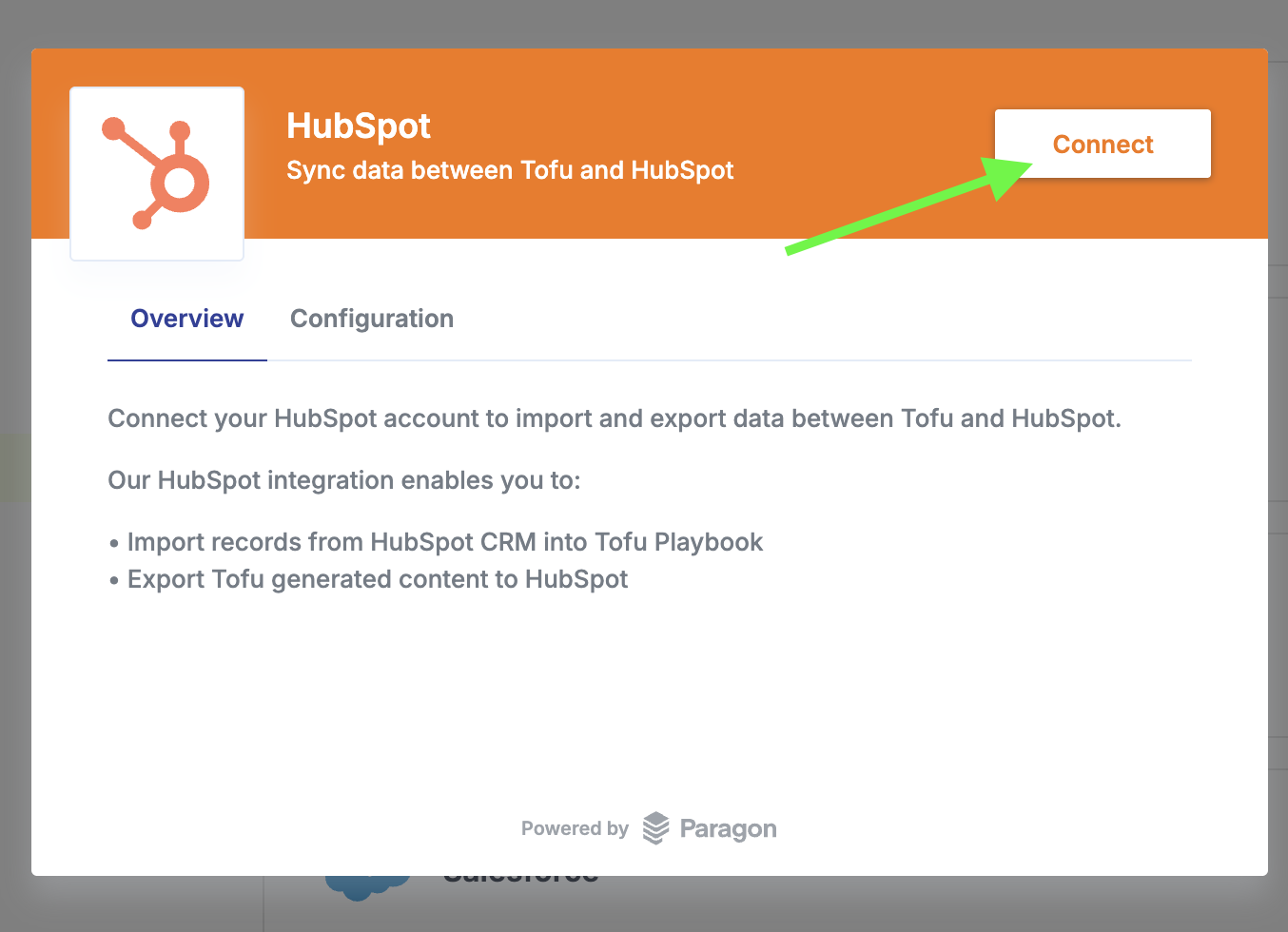
- On the next pop up, click Connect. From there, follow the steps for logging in and authorizing the integration in HubSpot.
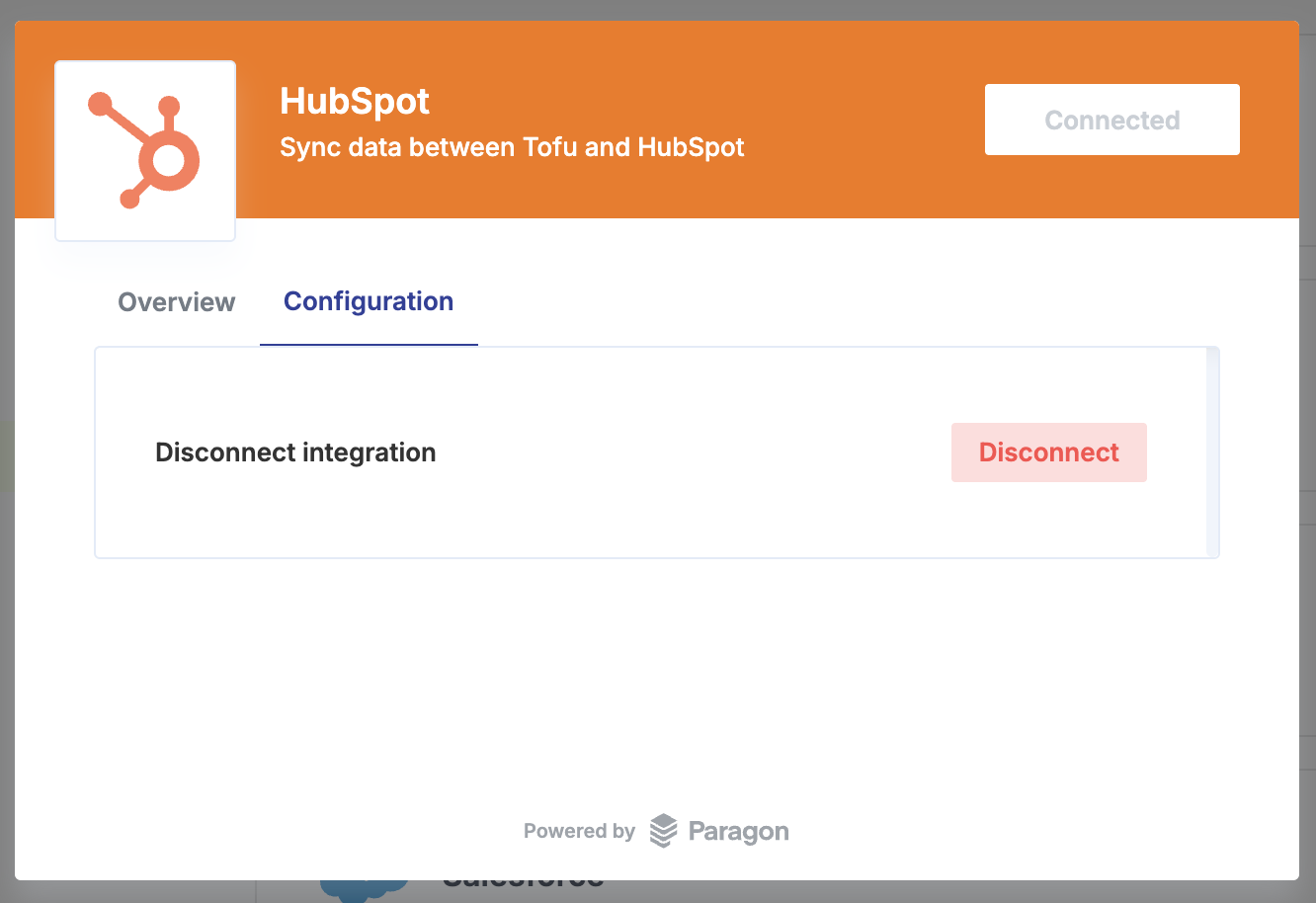
- Once connected, you should see the screen below:
Next up Once connected, head over to the Token Management guide to learn how to track and recycle your personalization tokens.